

Voice agent & order drafts
“Two burgers, one without onions.” AI separates items and modifiers into an order draft. Staff confirm the details instead of typing the conversation again.
Connect table service, orders, kitchen preparation and daily operations in one POS. Work across counter terminals, tablets, vertical touchscreens and mobile.
Hanseatic in Germany is one of the brands whose POS products are developed by ATC. We also develop solutions for Vega POS in Canada, Horeca and AMAPOS in Germany, and Sono POS in Europe.
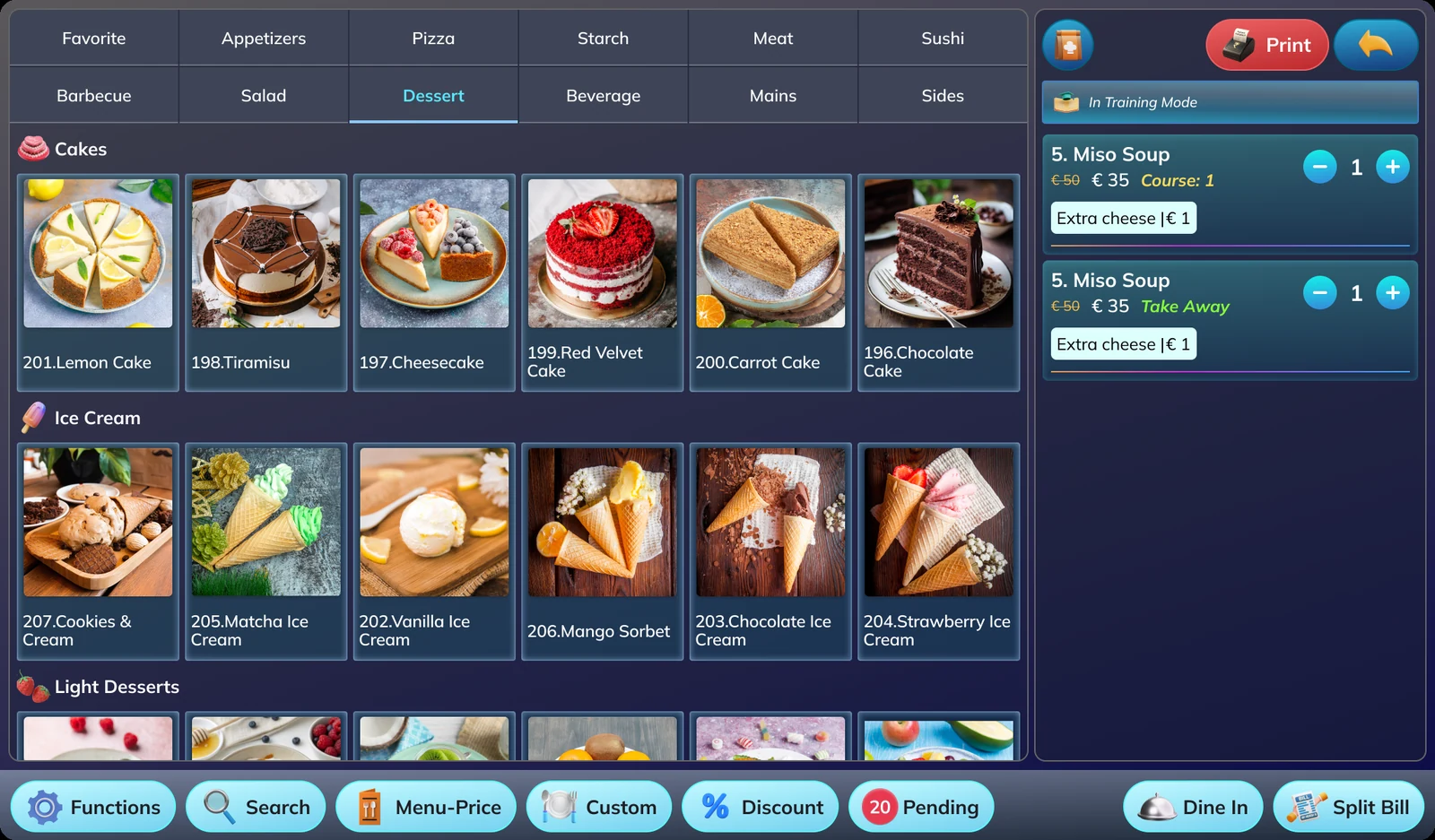
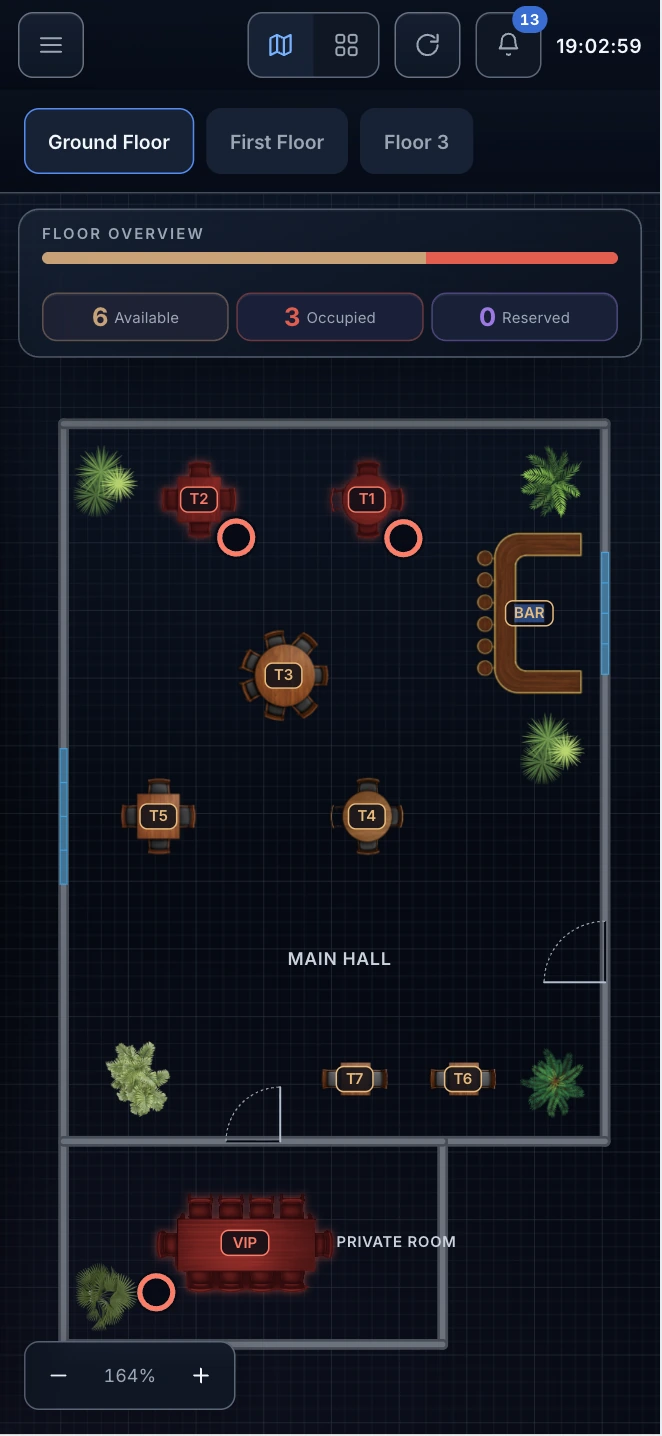
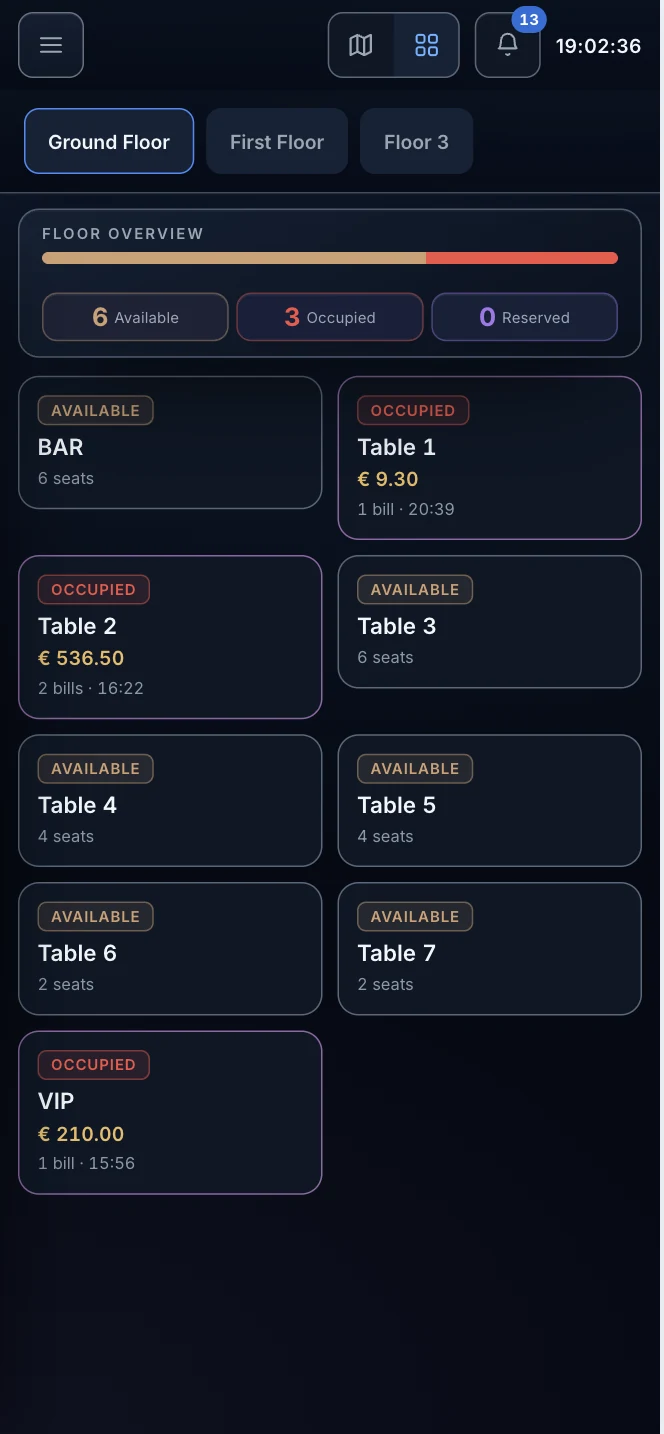
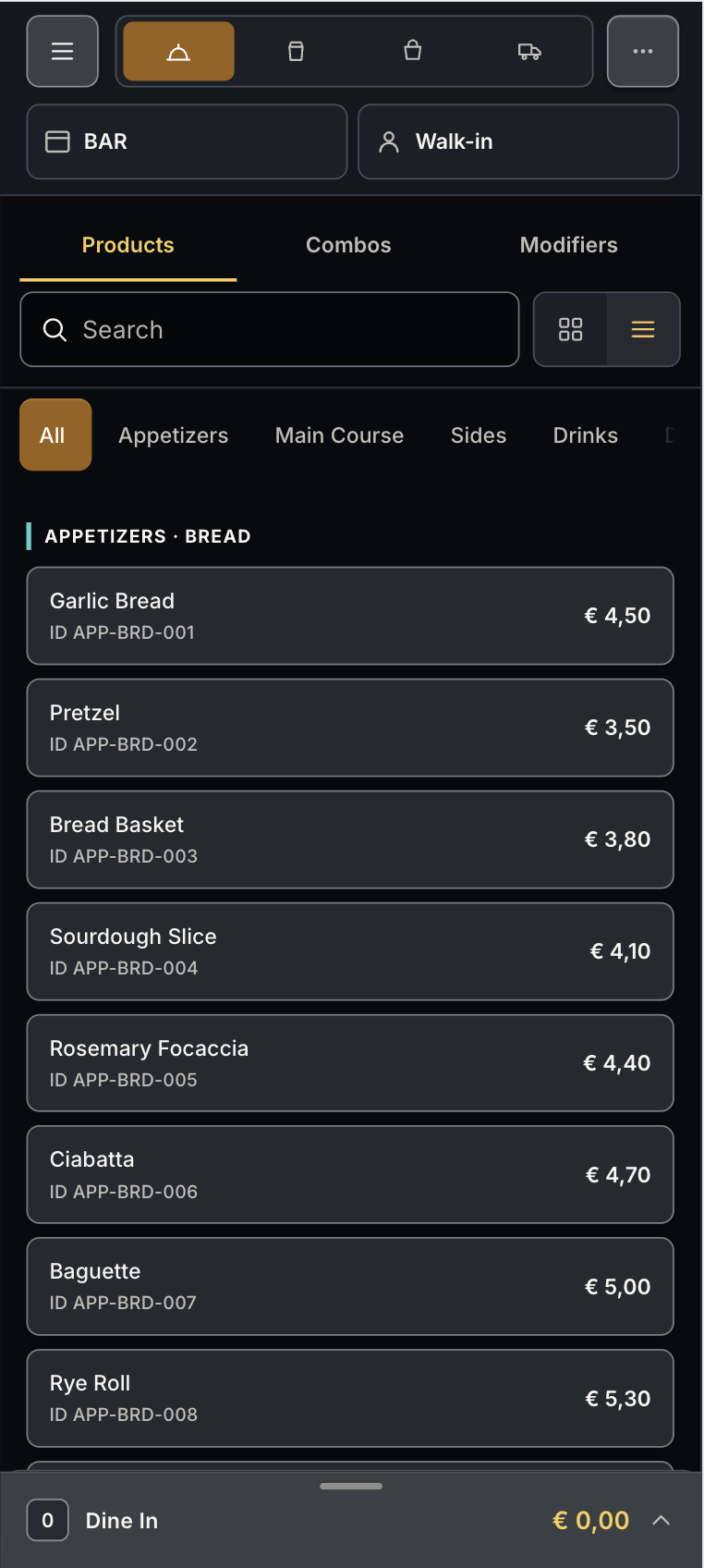
Counter POS, tablet and mobile UI designed for the realities of restaurant teams.
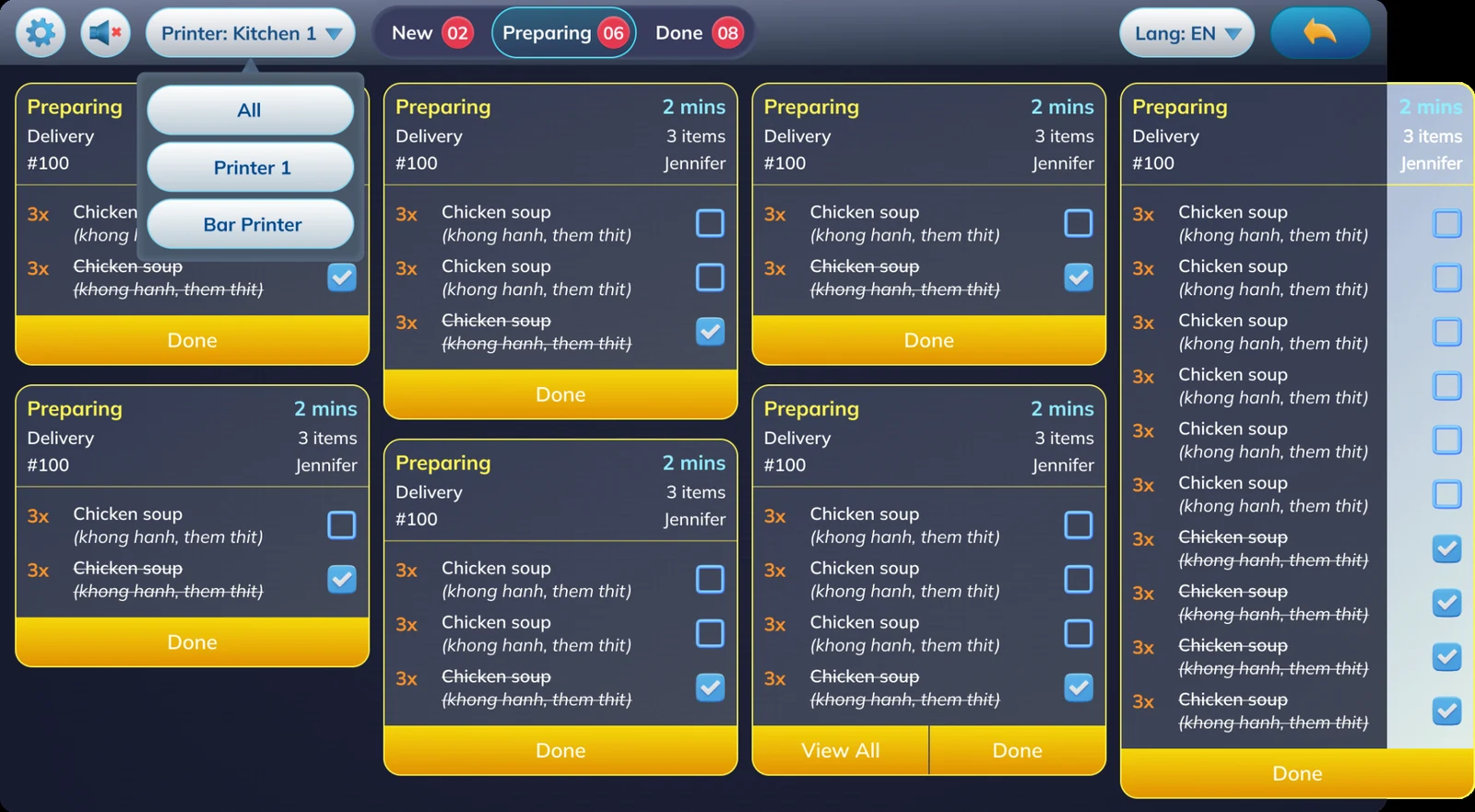
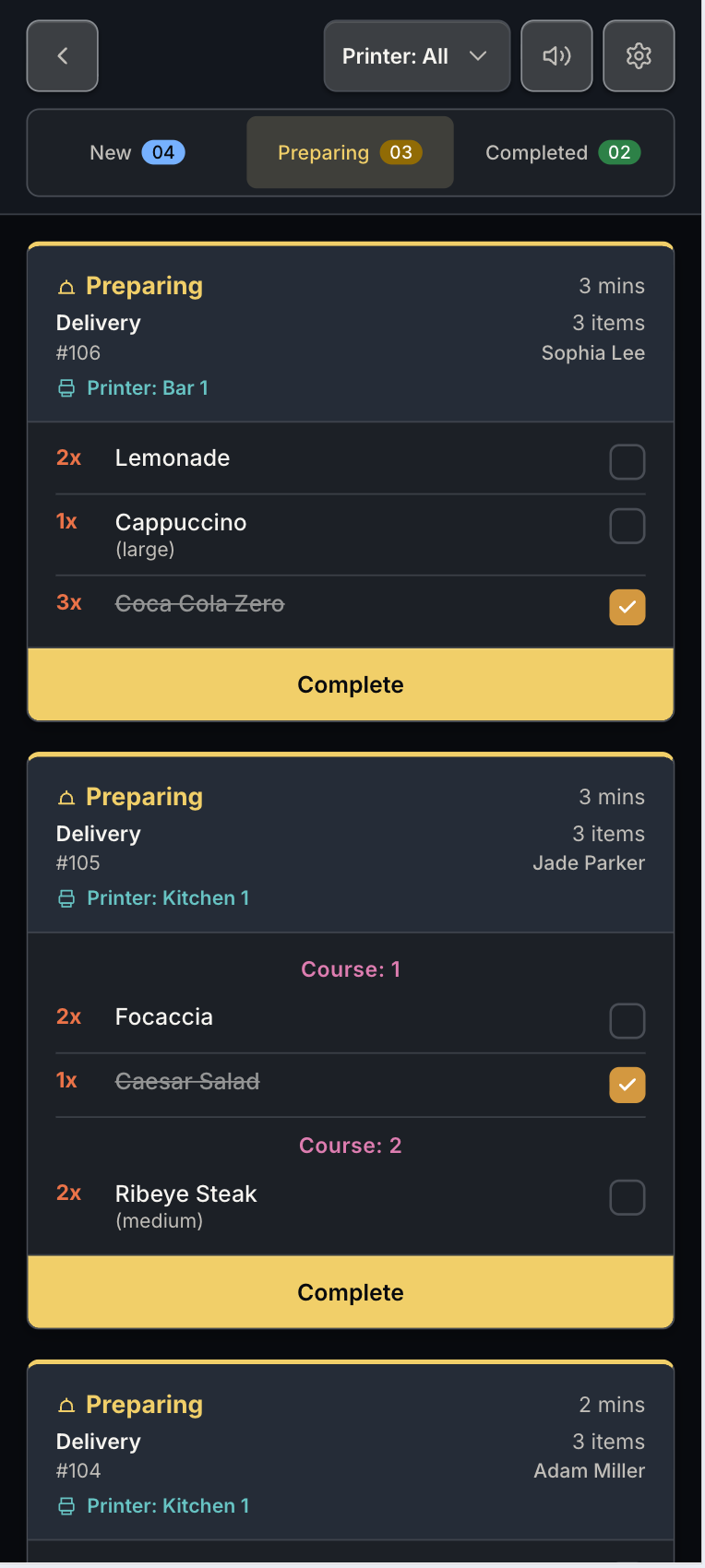
Move orders from front-of-house to preparation with cleaner visibility for staff.
Manage table service, counter orders, kitchen preparation and delivery with workflows designed for restaurants, cafés and bars.
AI capabilities
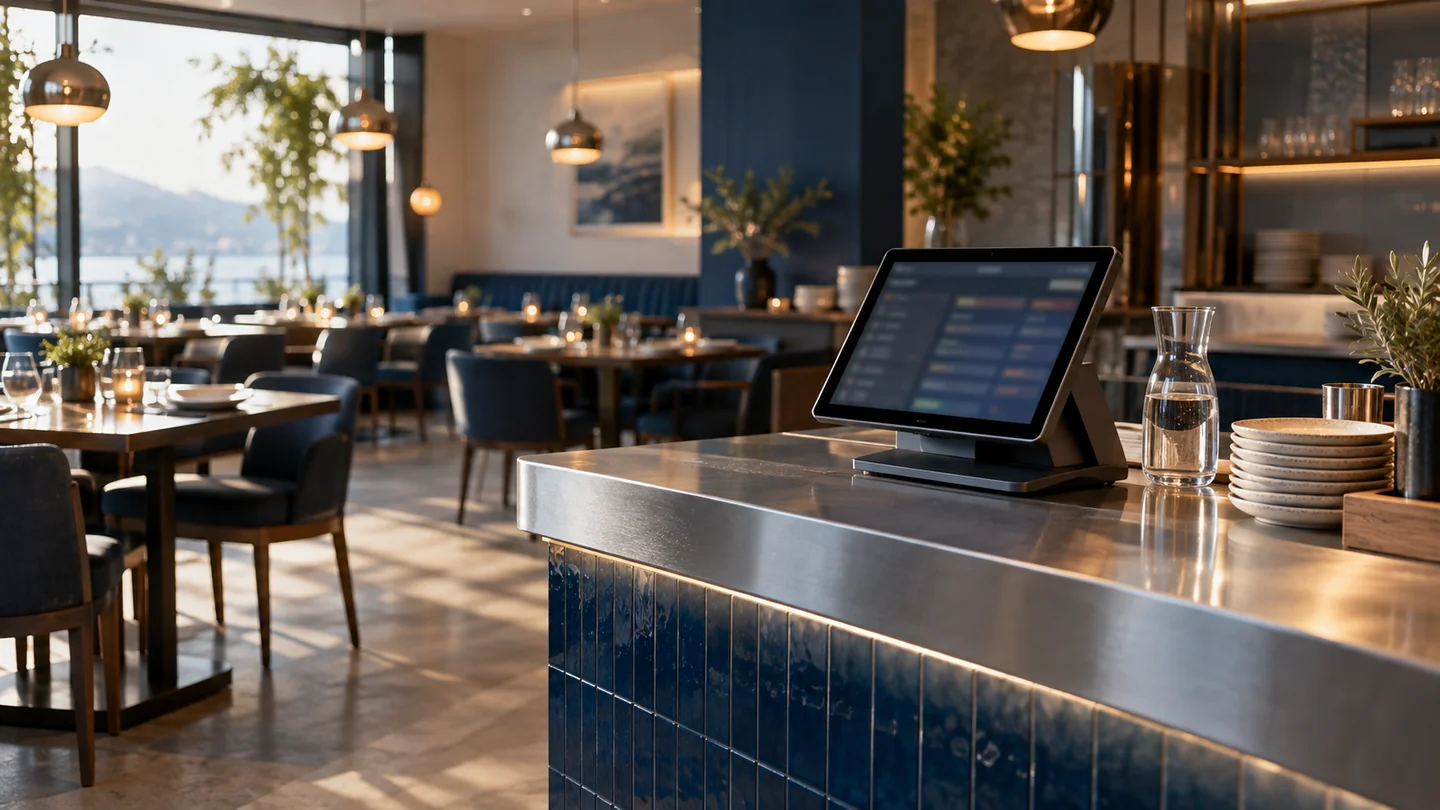
During a rush, orders arrive faster than staff can type. Explore AI that prepares items and modifiers for review, highlights missing details and answers sales questions from connected records. Keep attention on the guest while reducing repeated entry.
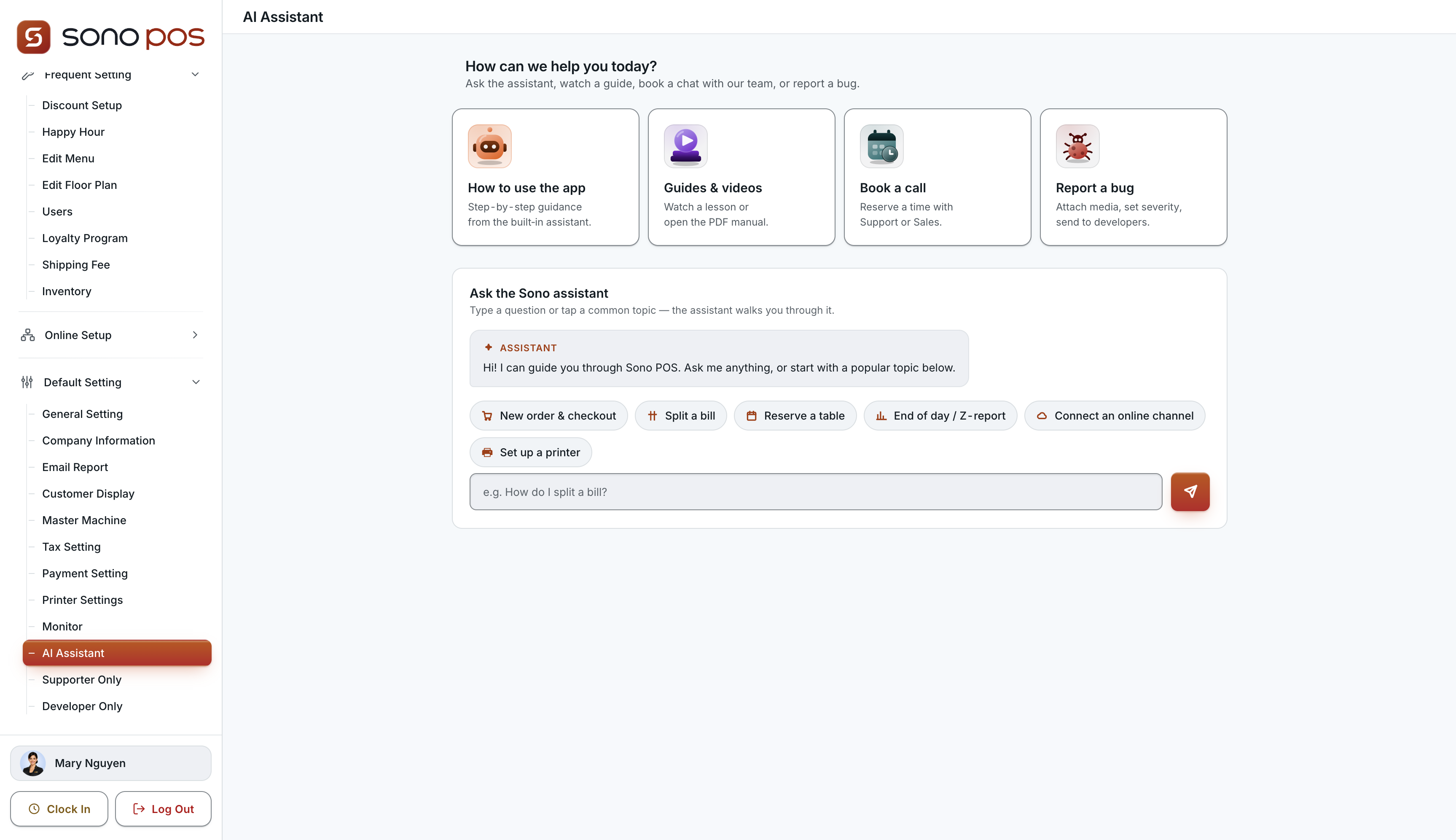
Sono POS AI Assistant: in-app guidance, tutorials and support. The workflows below are options to discuss for your setup.
“Two burgers, one without onions.” AI separates items and modifiers into an order draft. Staff confirm the details instead of typing the conversation again.
A request becomes a reviewable cart: items, quantities and options together. AI flags missing details before confirmation, reducing back-and-forth at the counter.
“Which items sold best this week?” Get a ranked summary with source records. Move from opening reports and filtering rows to reviewing the answer.
AI options depend on product edition, connected data and agreed scope. Your team reviews drafts before orders, messages or changes are submitted.
Discuss AI optionsExplore floor plans, ordering, kitchen preparation and delivery through the product screens below.
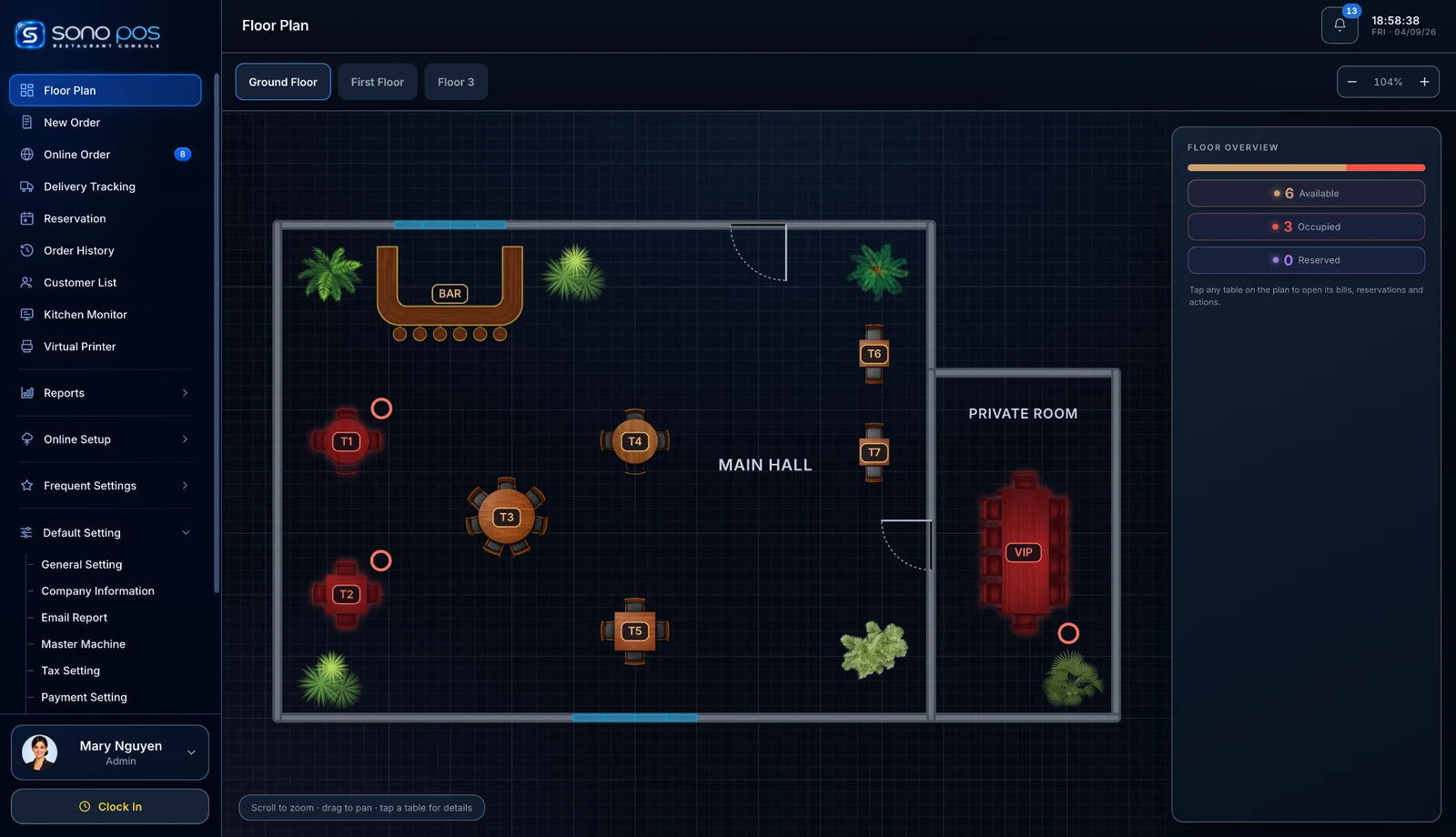
See room layout, table availability, reserved tables and occupied seats at a glance.
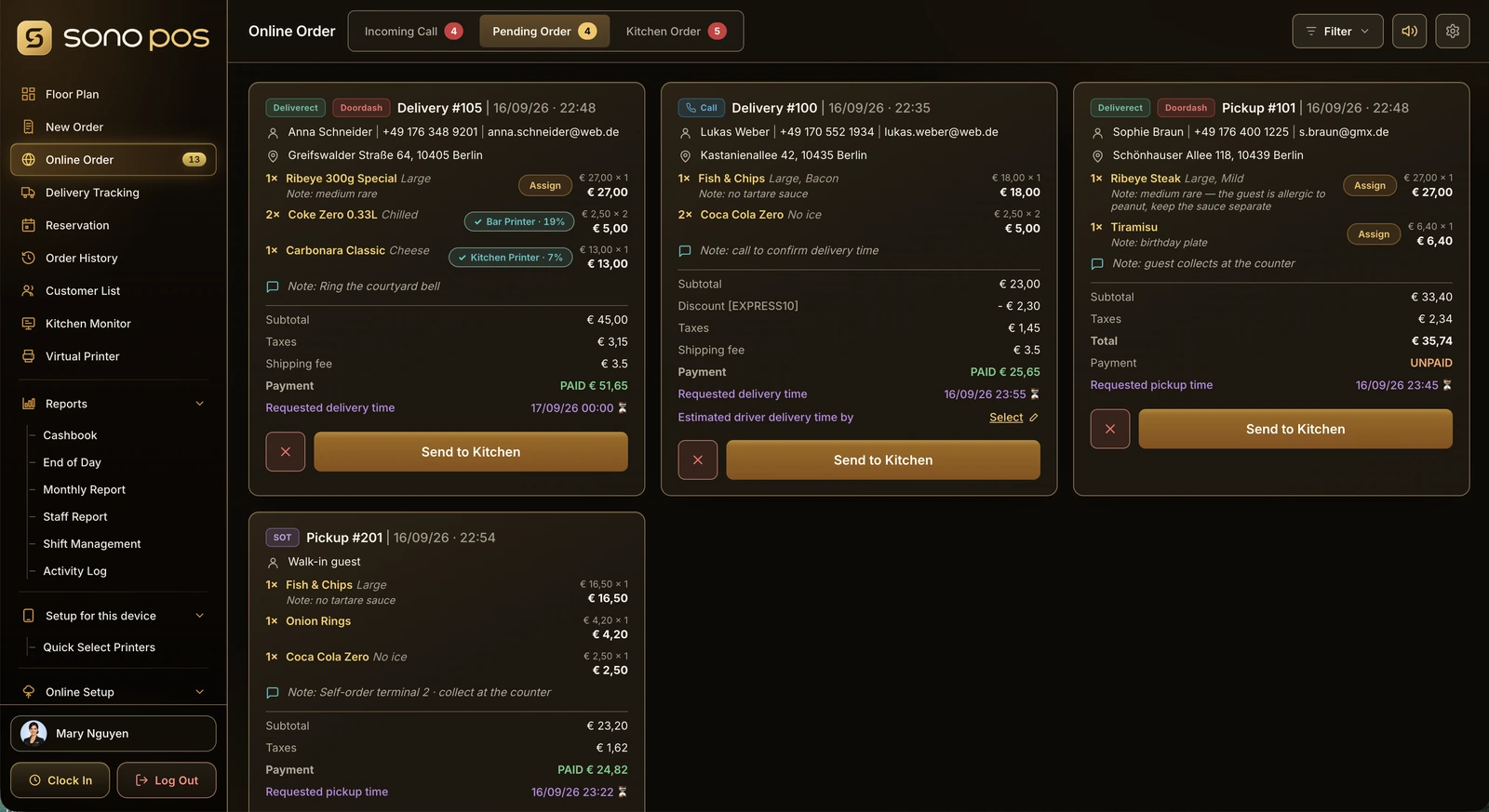
Track off-premise orders alongside table service, with customer and fulfilment details in one view.
Behind every service
Explore the reporting screens included in the restaurant POS presentation.
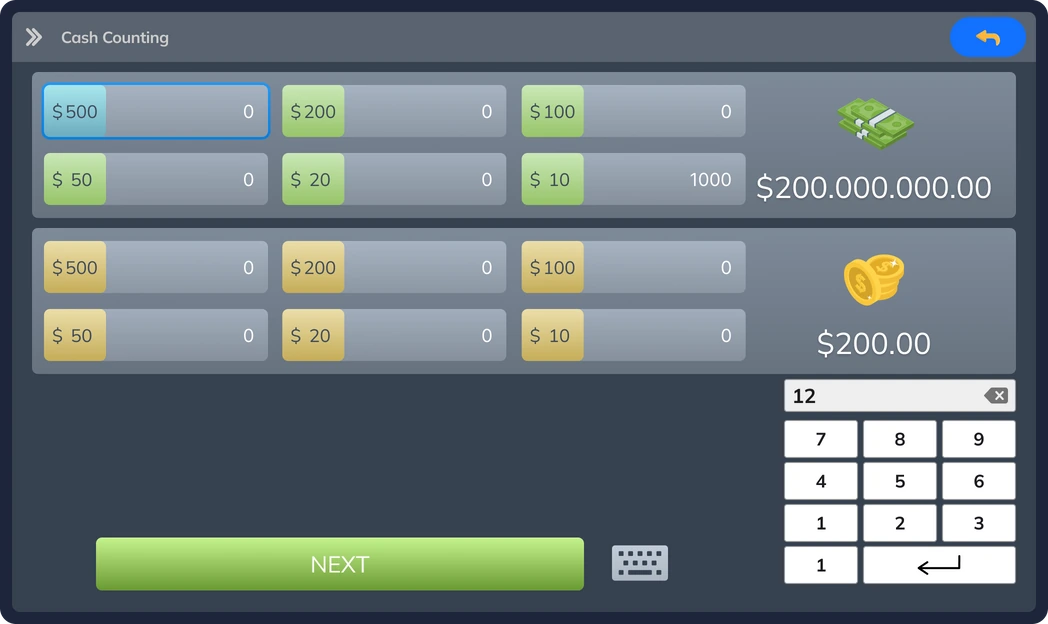
Record cash deposits, withdrawals and other cash movements during the day.
Screens show the POS edition in the supplied presentations. Ask ATC to confirm the current interface and available modules.
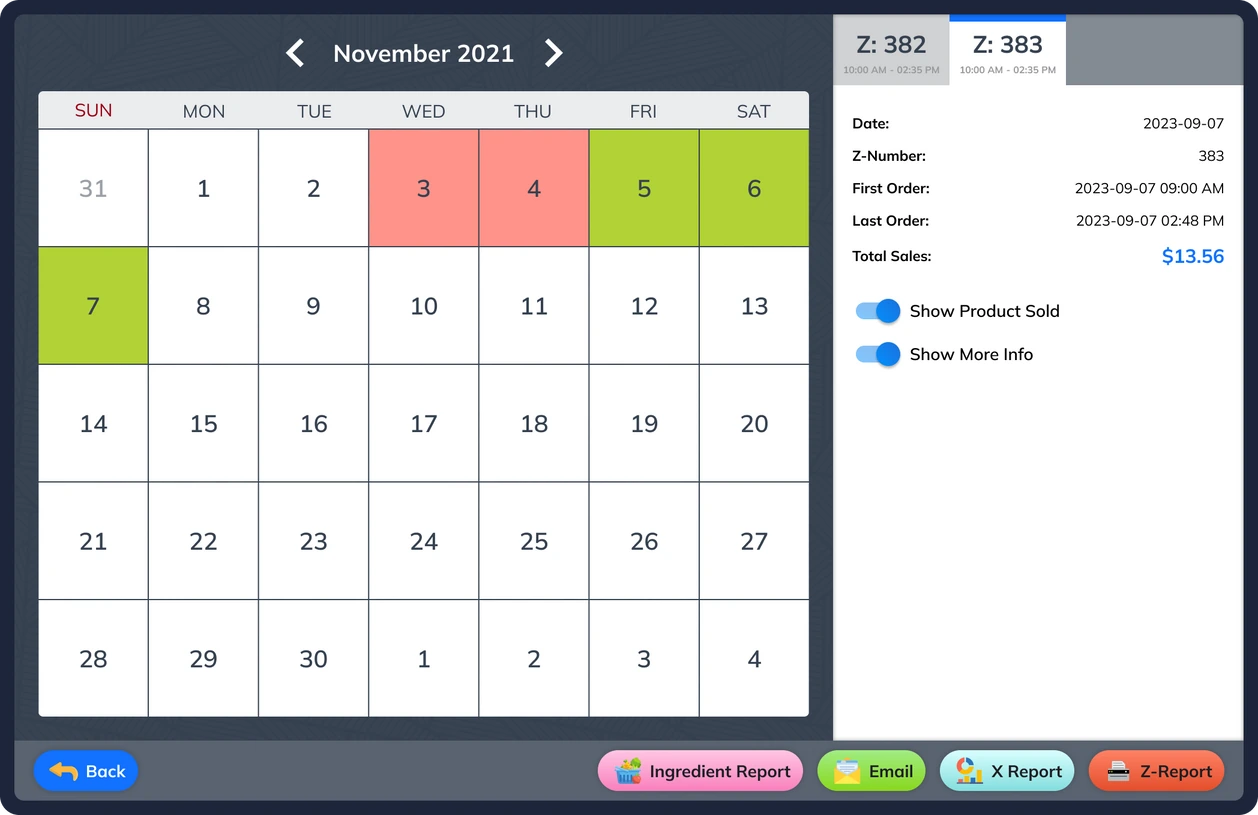
Review daily sales and payment totals before closing the business day.
Screens show the POS edition in the supplied presentations. Ask ATC to confirm the current interface and available modules.
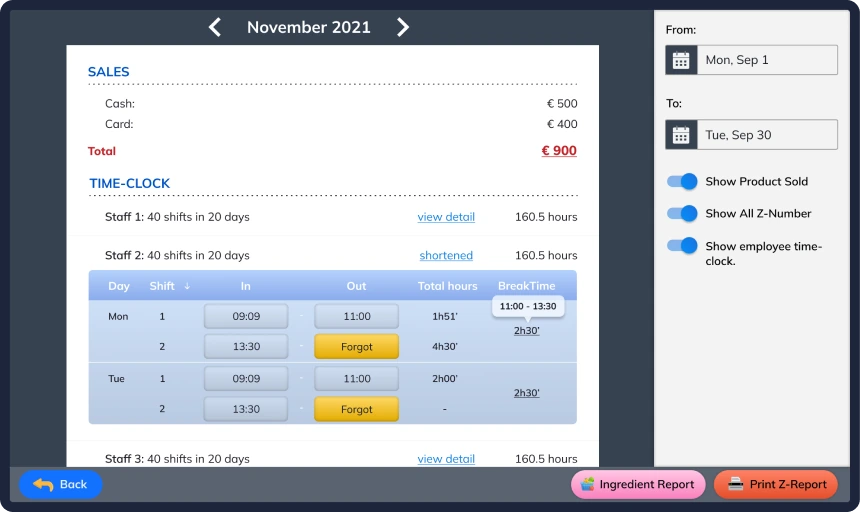
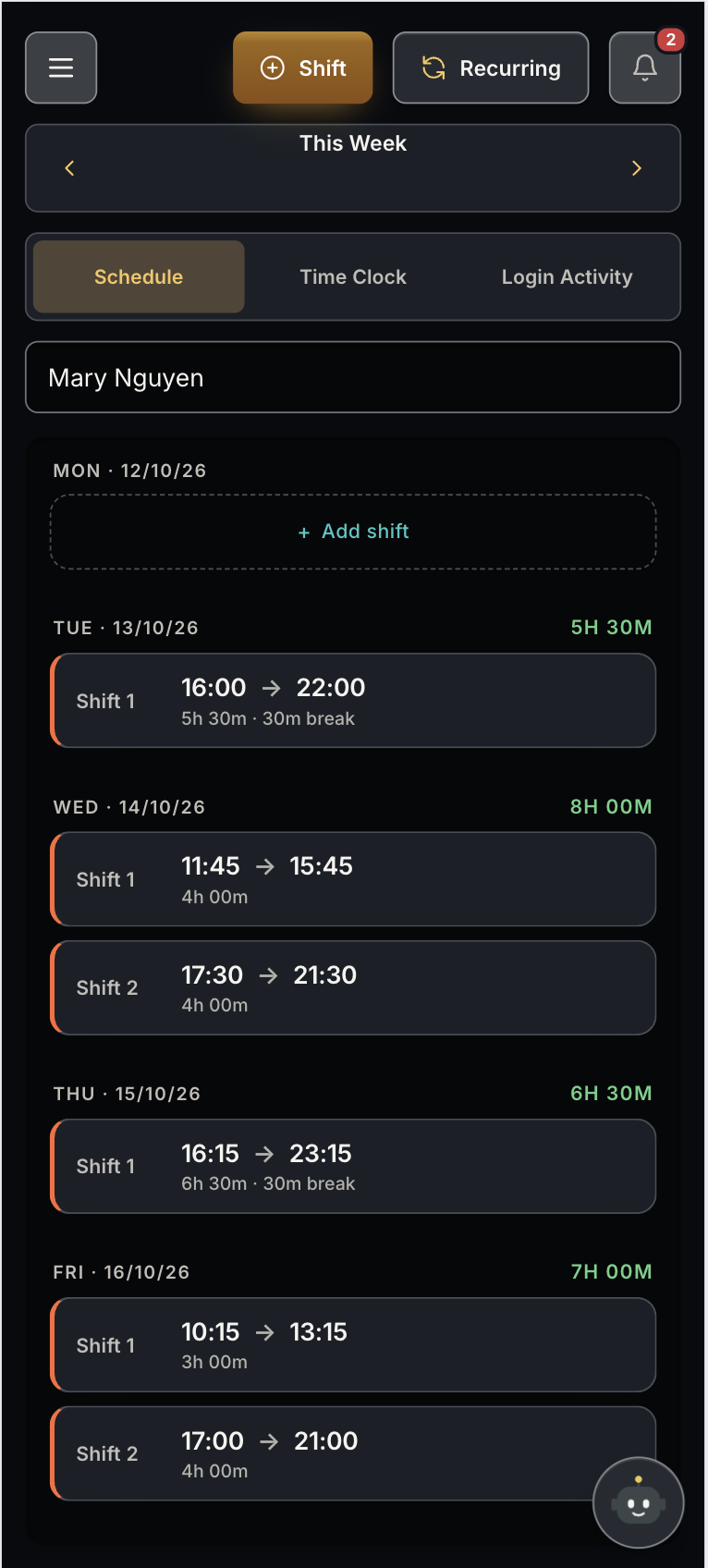
Review sales and recorded working time across the month.
Screens show the POS edition in the supplied presentations. Ask ATC to confirm the current interface and available modules.
Explore counter, tablet and portrait layouts. Confirm compatible hardware and operating systems for your selected product and market with ATC.
Rich order entry, full floor awareness and back-office views fit naturally on wide touchscreens used at the counter or cashier station.
Portrait-oriented layouts help present restaurant tools cleanly on tall POS devices in modern F&B setups.
Tablet-friendly interfaces support movement on the floor, order taking and lighter-weight service stations.
Mobile views bring the experience into a compact format without losing the visual identity or restaurant-focused structure.
The overview presentation also introduces printers, cash drawers and digital signing devices. Ask ATC to specify the models and connections included in your quotation.
See the handheld POS device mockup →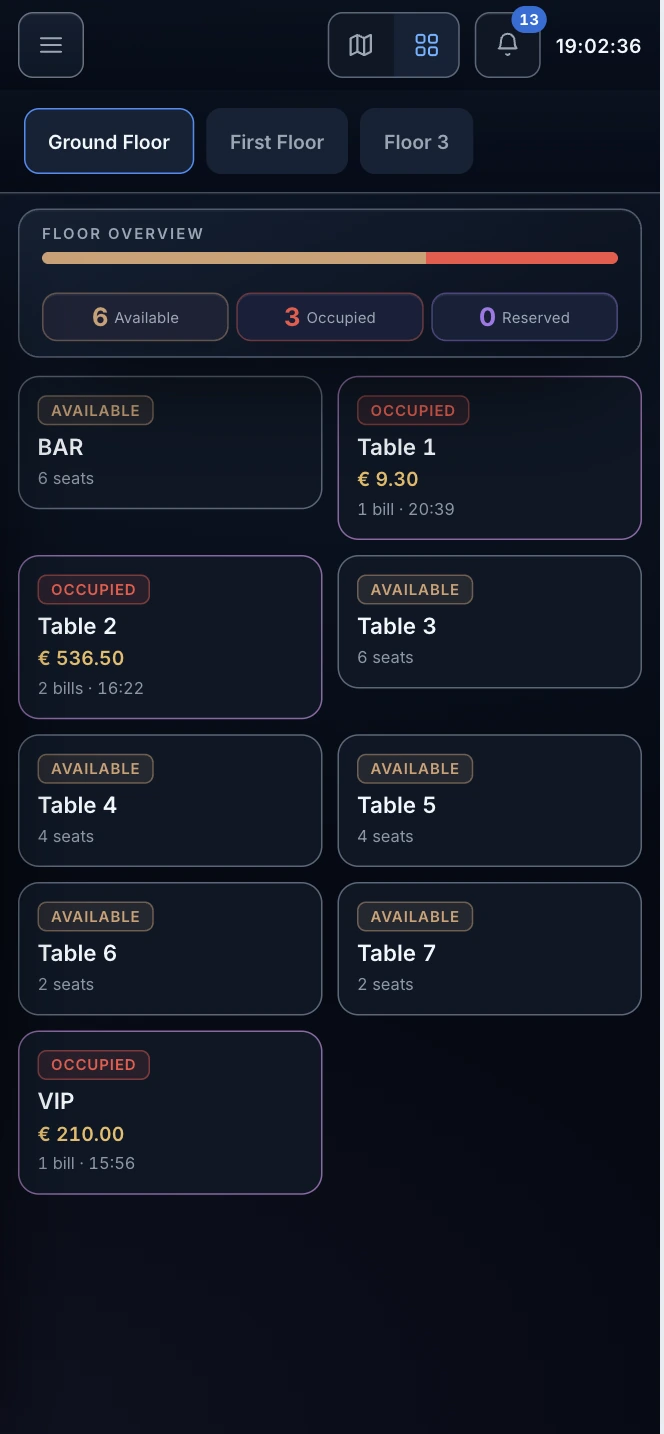 Vertical POS overviewTablet menu & orderingMobile floor planMobile order list
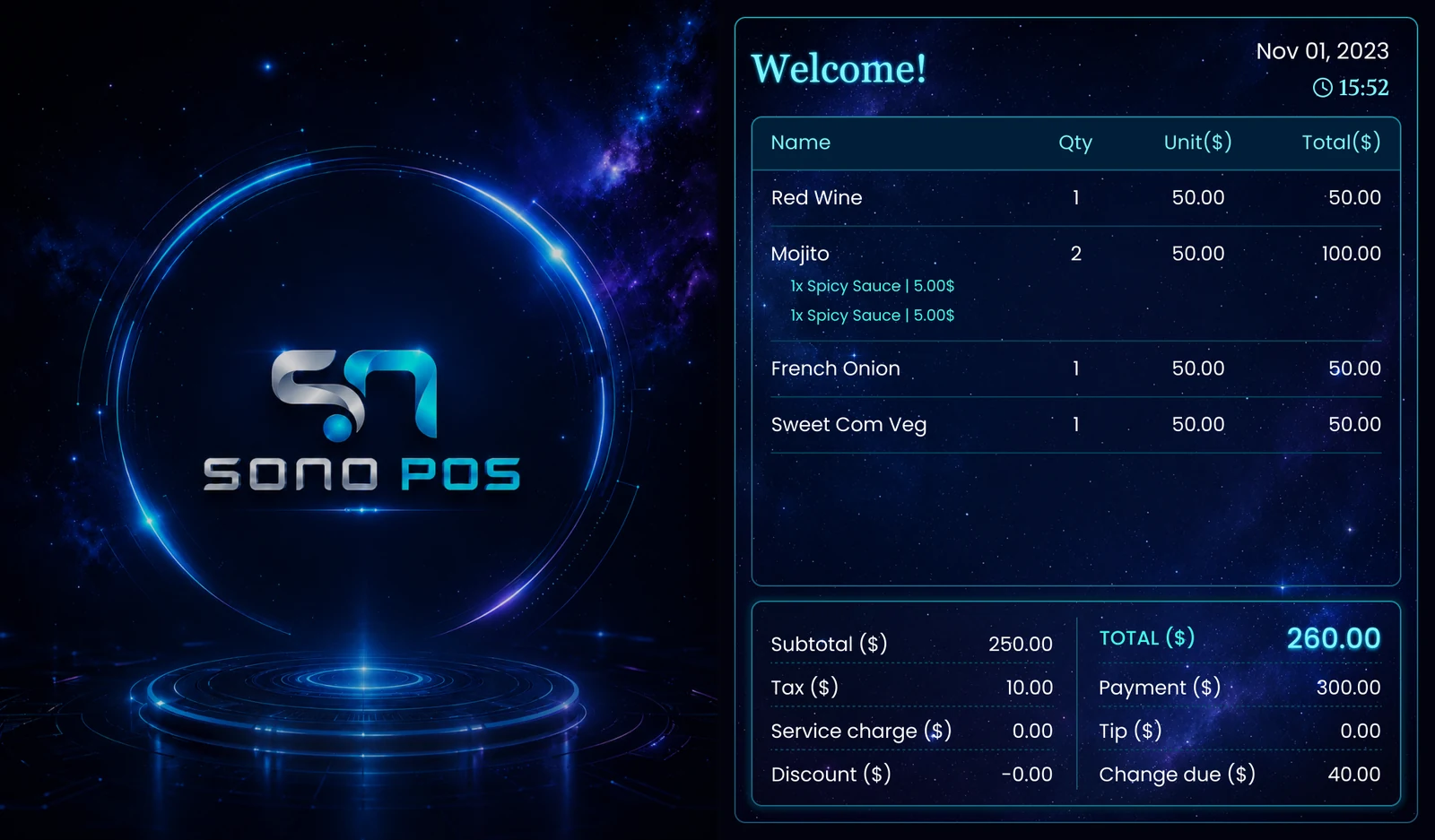 Customer-facing display
These screenshots illustrate restaurant workflows and retain their original branding. Available functions and interface design depend on the selected product edition.
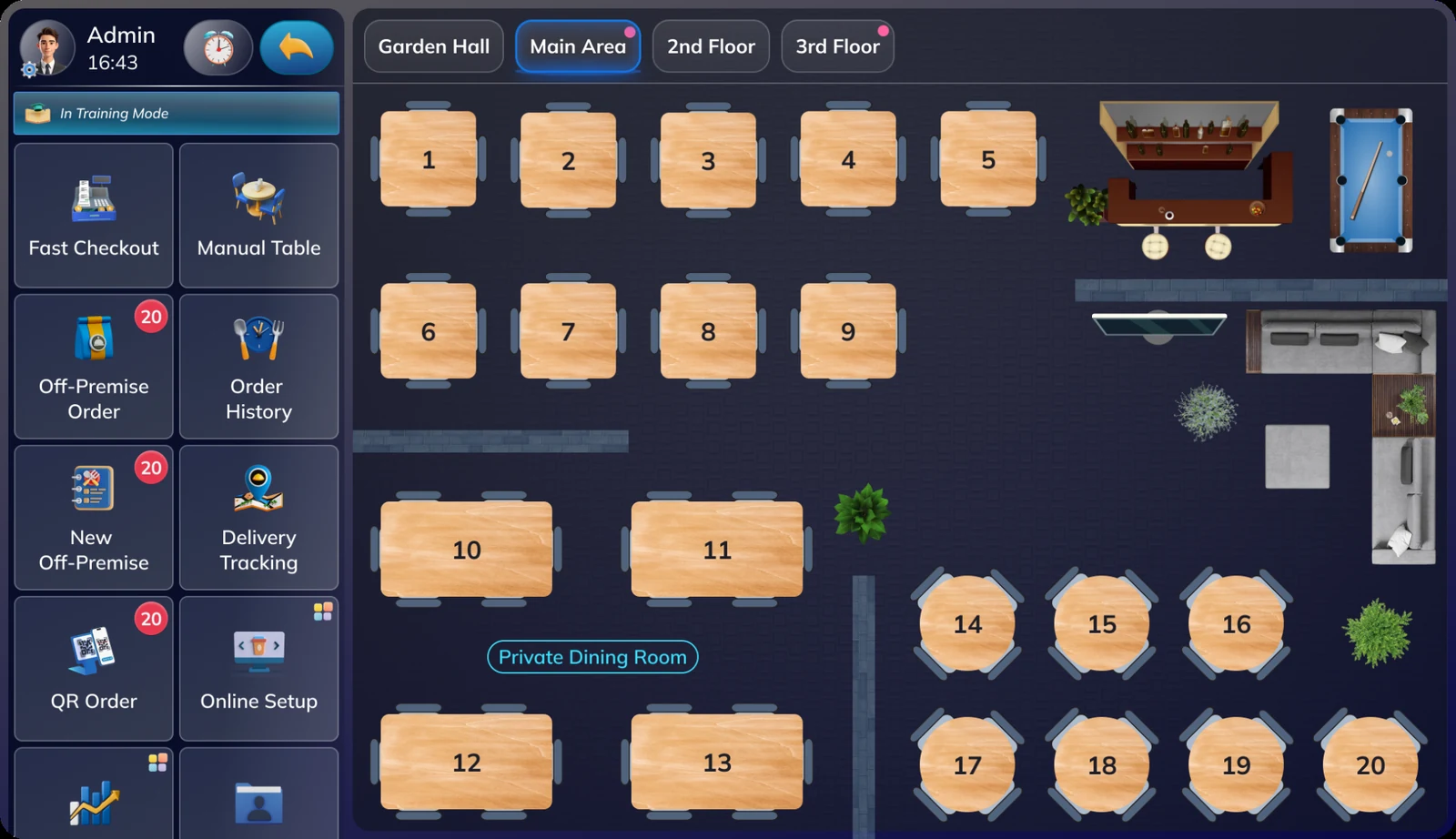
A restaurant edition that emphasizes high-visibility service controls, on-screen room layout and fast access to common front-of-house workflows.
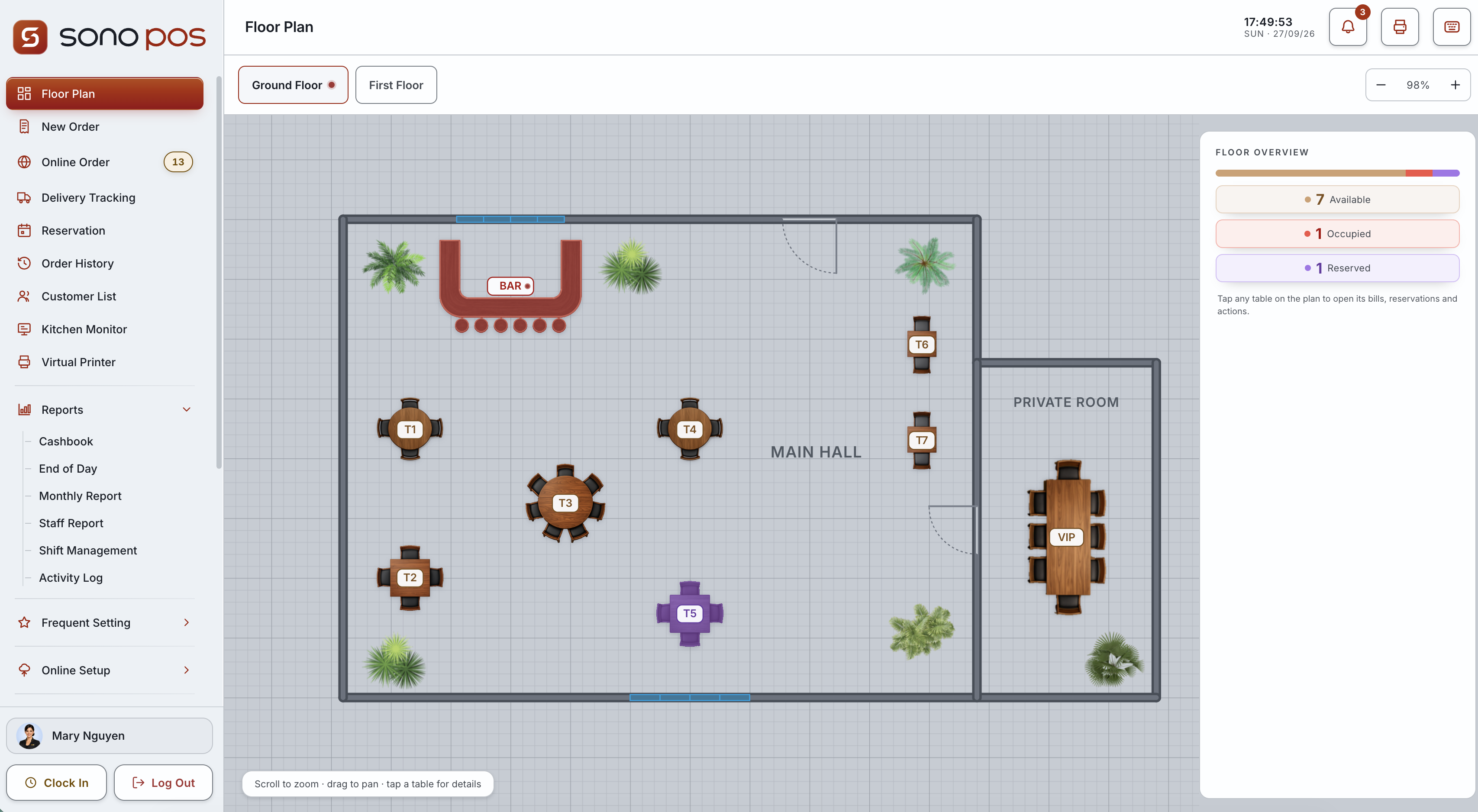
Sono POS is a POS brand serving the European market. Explore the brand at sonopos.com; features and deployment scope are confirmed for each market.
Connect seating, ordering, preparation, fulfilment and end-of-day review in your restaurant workflow.
Work with ATC to develop a restaurant POS for your brand and market. Agree the workflows, localization, integrations and support responsibilities before rollout.
Explore the Partner Program →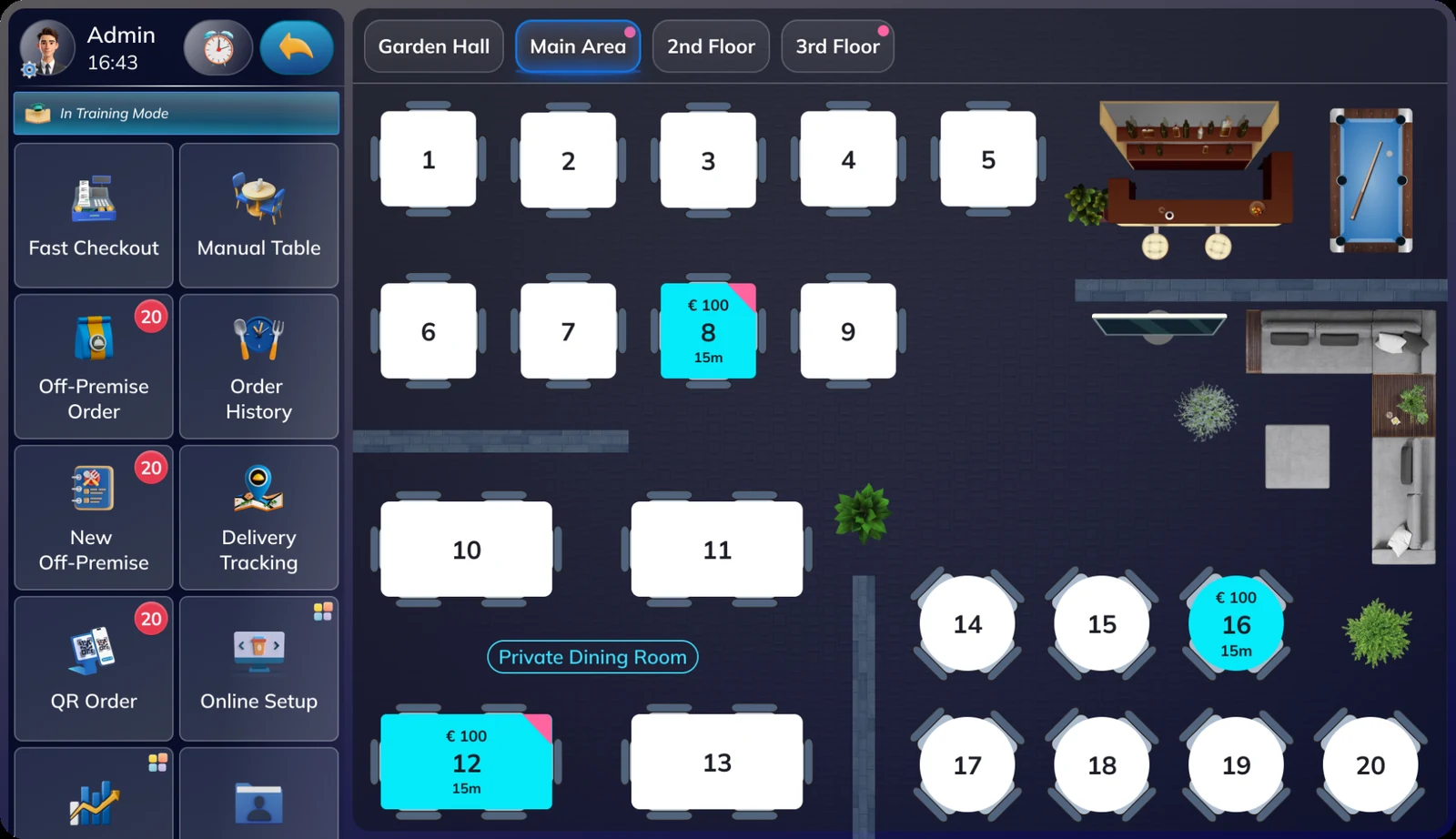
Product documentation
Guides, tutorials and deployment support for POS products developed by ATC. Choose resources for your brand and project.
Hanseatic is one of the brands whose POS products are developed by ATC. Contact our team to confirm the edition, installation files and account setup for your project.
Watch the ATC tutorial playlist on YouTube. Interfaces and available features may differ by product edition.
A visual introduction to POS workflows, restaurant service, management and industry editions.
atc-pos-brochure-vi.pdf
Complete guide to using Restaurant POS, in German.
pos-manual-de.pdf
Large file; loading may take a moment.
Ordering, payments, floor plans, kitchen, stock, staff and reports.
pos-features.pptx
Company introduction, software, device categories and implementation approach.
pos-overview.pptx
Table service, kitchen preparation, online orders, inventory and reporting.
pos-workflows.pptx
Presentations are provided in their original form. Confirm current pricing, supported devices, integrations and support terms with ATC.
Tell ATC about your business, target market and development needs. We can discuss product deployment, localization or a branded POS project.
Prepare your business type, country, number of locations and the workflows you want to improve.
Ask ATC to confirm device models, payment providers, integrations and data migration for your project.
Confirm software, hardware, setup, training, support and recurring fees in your quotation. Product images do not confirm hardware availability.